New!
Vibe Coding
Build 3D experiences with AI-assisted development using the PlayCanvas VS Code Extension. Edit scenes, write scripts and iterate faster with vibe coding.
New!
MCP Server
Connect AI coding agents to the Editor via the Model Context Protocol. Automate scene building, asset management and more with natural language.
New!
USDZ and glTF Export
Export portions of your scene to industry standard USDZ and glTF graphics formats for use in other tools and platforms.
Hot Reloading
See code and asset changes reflected instantly in the running application without losing state. Iterate at the speed of thought.
Realtime Collaboration
See changes from your teammates instantly with Google Docs-style collaboration features.
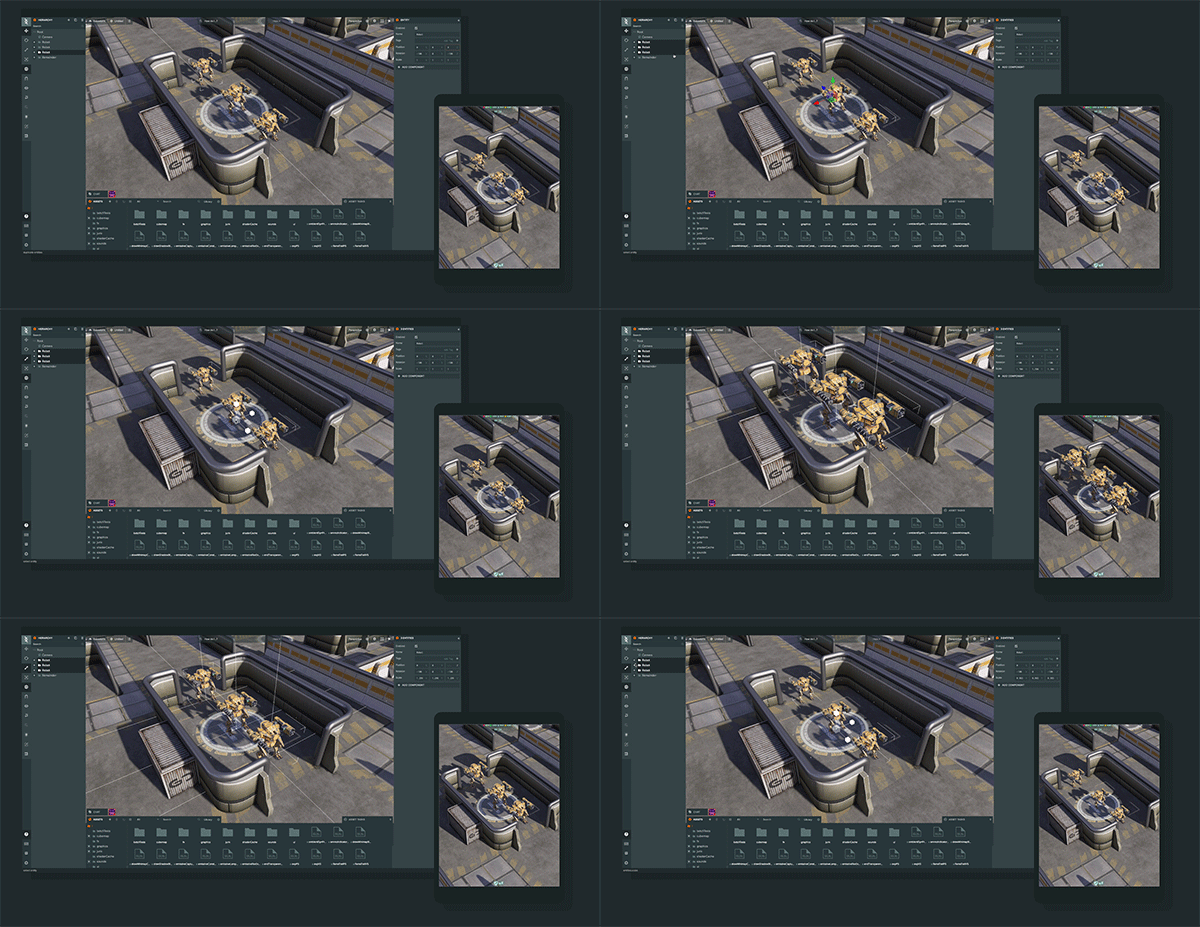
On-device testing
Fast iteration time using real-time updating on mobile devices.
Templates
Create reusable Entity hierarchies as Templates (similar to prefabs) for faster editing workflows.
One-click publishing
Publish PlayCanvas apps live to the web with a single click.
App Hosting
Published apps are served from a global CDN for fast load times worldwide. No server setup required.
Asset Import
Import assets including 3D models and animations (FBX, OBJ, glTF, GLB), textures including HDR textures, audio files and more.
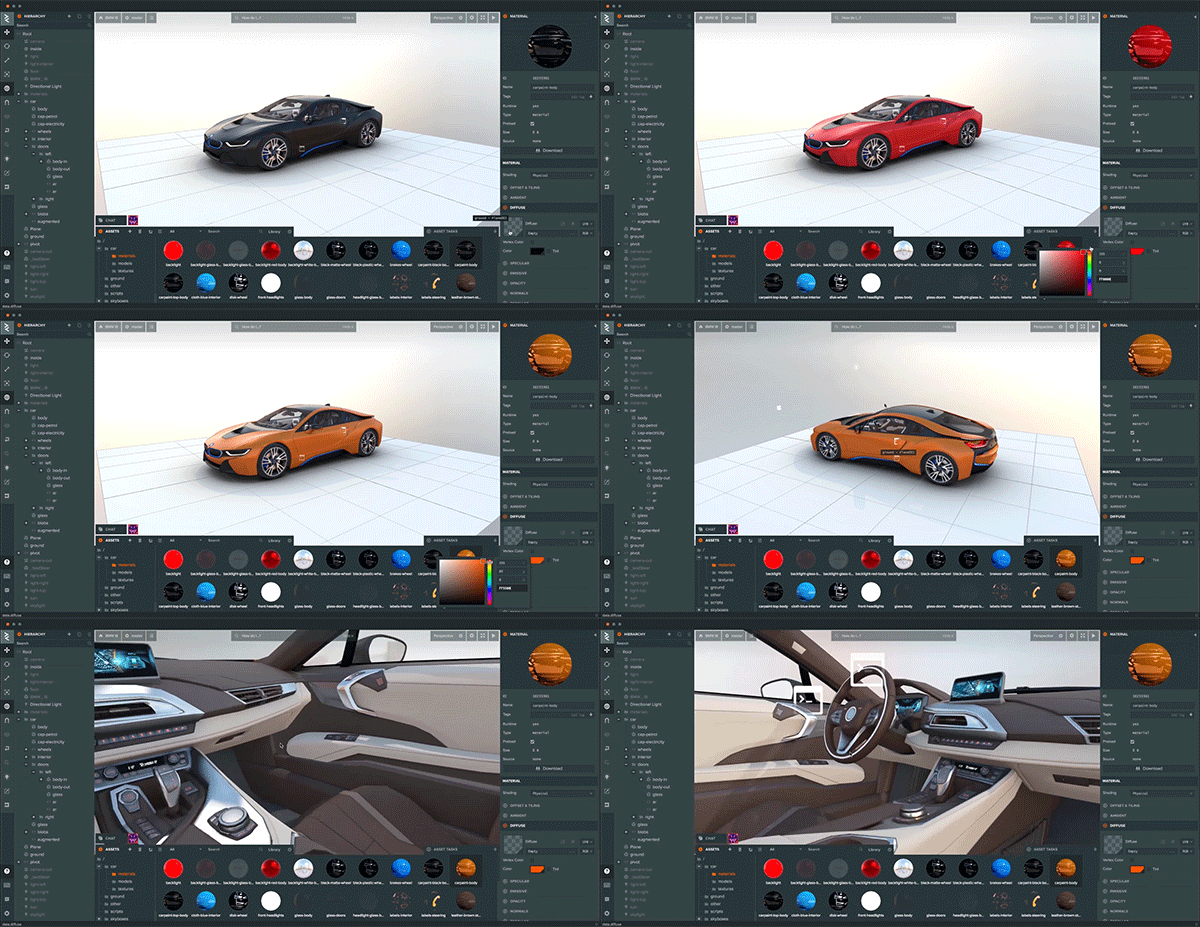
Material editor
Quickly and easily tweak materials visually in realtime.
Sprite Editor
Create and edit sprite sheets and texture atlases visually. Define frames, set pivot points and build 2D animations directly in the Editor.
Powerful asset filtering
Search and filter your large asset collection for quick development.
Animation State Graph
Easily create complex animation logic using the State Graph Editor with layer support.
Texture compression
Compress textures to Basis, KTX2, ASTC, ETC and DXT formats for optimal size and performance across all devices.
In-app visual profiler
Profiler overlay which displays graphs, timings and stats in realtime for your PlayCanvas application.
Multi-platform support
Access the Editor from Windows, macOS, Linux, Chromebooks and even iOS and Android. All you need is a browser.
Runtime lightmap generation
Have dozens of high-resolution shadowed static lights, without having to download a lightmap over the network.
glTF™ 2.0 Support
Import and render stunning glTF™ assets with support for Draco mesh compression, KHR_materials_variants and more.
Mesh Compression
Up to 90% reduction in model file size with Draco and Meshopt decompression for faster downloads.
Cubemap prefiltering
Set up image-based lighting with the click of a button.
Entity-component system
Build applications quickly with a flexible entity-component application framework.
Visual UI Editing
Build responsive in-game UIs visually with text, image and group elements, scroll views, buttons and more.
Starter Kits
Jump-start your project with ready-made Starter Kits that provide pre-built scenes, assets and scripts for common use cases.
Asset Store
Browse and import free and premium 3D models, materials, scripts and more directly into your project from the built-in Asset Store.
Version Control
Built-in version control with checkpoints lets you save, compare and restore previous versions of your project at any time.
Team Management
Manage access rights for multiple collaborators with role-based permissions. Control who can view, edit or administer your projects.
In-Editor Chat
Communicate with your team directly inside the Editor. Discuss changes, share feedback and coordinate in real time without leaving your project.
REST API
Automate project management, asset uploads, builds and deployments with a comprehensive REST API for CI/CD integration.
Editor API
Extend and automate the Editor with the Editor API. Script custom workflows, batch operations and tool integrations directly in the browser.